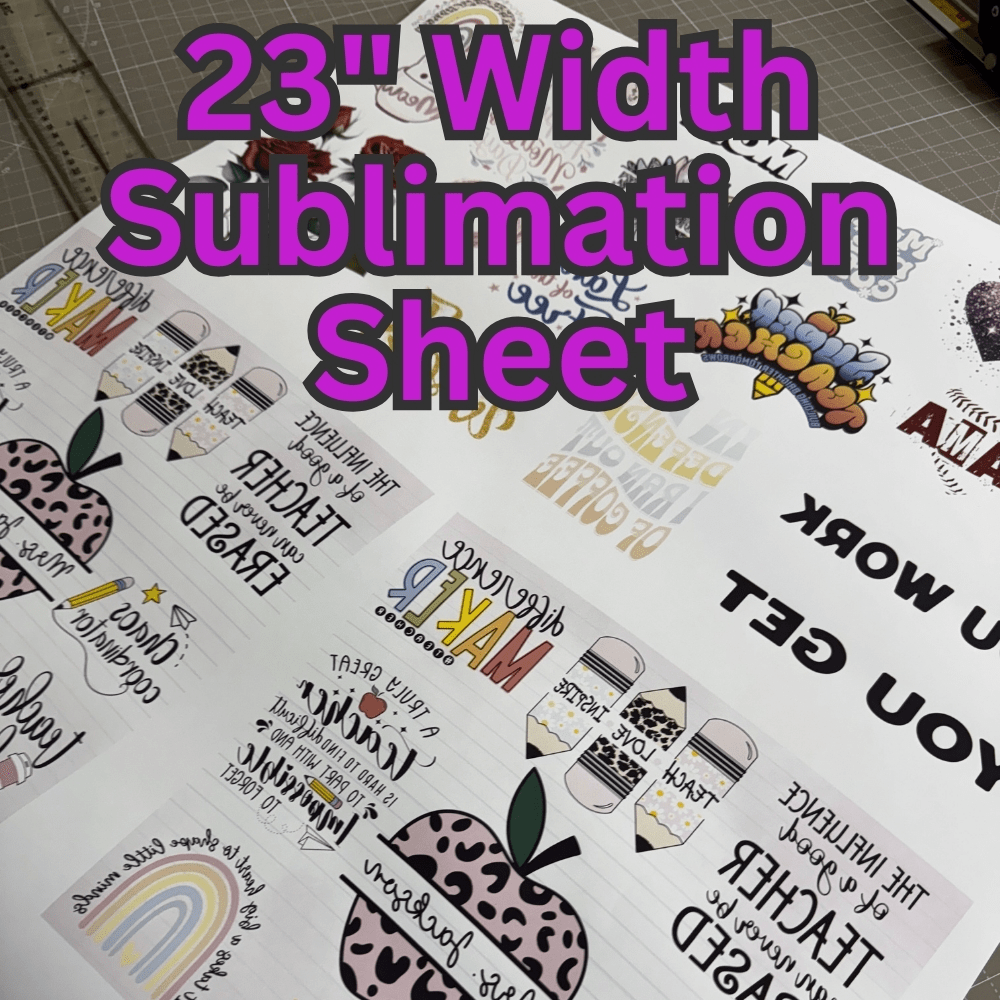
- DO NOT MIRROR YOUR IMAGES! Our printing software will automatically mirror any sublimation images when it is ripped. Please submit your images how you want them to look applied. You submit the images, sizes, and quantities – we build your gang sheet for you! Premade Images Available in Gallery Recommended Tools Heat Tape with Dispenser Heat Gloves Pinch Perfect Tool or Cup Cradle w/ Clamps Butcher Paper Canva Pro Apparel and flat sublimation products: Clam shell or swing away heat press Tumblers or Cups Sublimation Oven Silicone Bands OR Tumbler Wraps and Cup Wraps OR Tumbler heat press Art Requirements Canvas size as big (or bigger than) your biggest print Make sure your art fills the artboard completely without going out of the canvas edges PNG – Can have a transparent, white, or colored background 300 DPI (dots per inch) This is the sizing slider on export from Canva (Select x3.125) If you want to print a 12″ x 15″ print – the png file should be a minimum of 3600px by 4500px 12″ x 300 dots per inch = 3600px 15″ x 300 dots per inch = 4500px Heat Press Details There are so many items you can sublimate and many have different optimal times, temperatures, pressure, and applications. We recommend “The Sublimation Cookbook” by Jennifer Maker. It helps with all the different ways to use and apply sublimation prints.