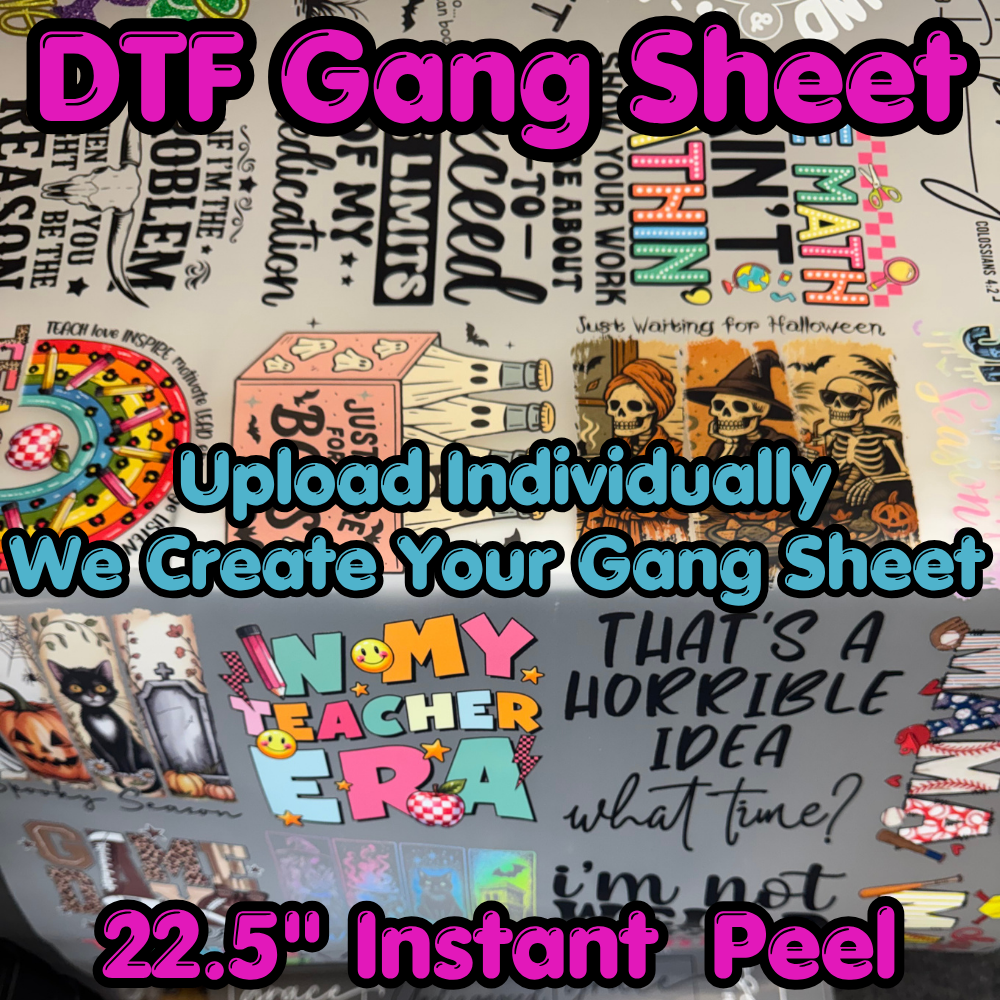
- Beautiful prints from our expanded color gamut DTF printer that hot peel like butter. Individually upload your images with their sizes and quantity and we will build your gang sheet for you! By Clicking the “Upload Image by Size” Button, you certify that: – You have full rights or own this artwork – Use of the Background Remove Tool or other tools is at your own risk and can lead to background colored borders around your image, etc. – You will check the width/length if using the preset sizing options. Sizing is determined by width NOT LENGTH! – You will check the DPI of your artwork at the selected size to see the submitted print quality. 300 is recommended Premade Images Available for Individual Transfers in the Gallery Recommended Tools Clam shell or swing away heat press (due to DTF pressure requirements) Heat press pads and/or pillows for pressing around buttons, pockets, and any uneven surfaces. Finishing Sheets T-Shirt Alignment Guides Canva Pro Art Requirements Canvas size as big (or bigger than) your biggest print Make sure your art fills the artboard completely without going out of the canvas edges Transparent Background PNG 300 DPI (dots per inch) This is the sizing slider on export from Canva (Select x3.125) If you want to print a 12″ x 15″ print – the png file should be a minimum of 3600px by 4500px 12″ x 300 dots per inch = 3600px 15″ x 300 dots per inch = 4500px